File list
Jump to navigation
Jump to search
This special page shows all uploaded files.

| Date | Name | Thumbnail | Size | User | Description | Versions |
|---|---|---|---|---|---|---|
| 00:47, 19 November 2017 | Energy Saver preferences 2017-11-18.png (file) |  |
81 KB | Elagache (talk | contribs) | Energy saver pane for macOS 10.12 with options set for proper running of WeatherCat. | 1 |
| 00:42, 19 November 2017 | WeatherCat AppNap disabled 2017-11-18.png (file) |  |
57 KB | Elagache (talk | contribs) | Get Info window showing how to prevent WeatherCat from having App Nap occur. | 1 |
| 18:02, 8 April 2016 | Phantom Help Menu.png (file) |  |
13 KB | Blicj11 (talk | contribs) | 1 | |
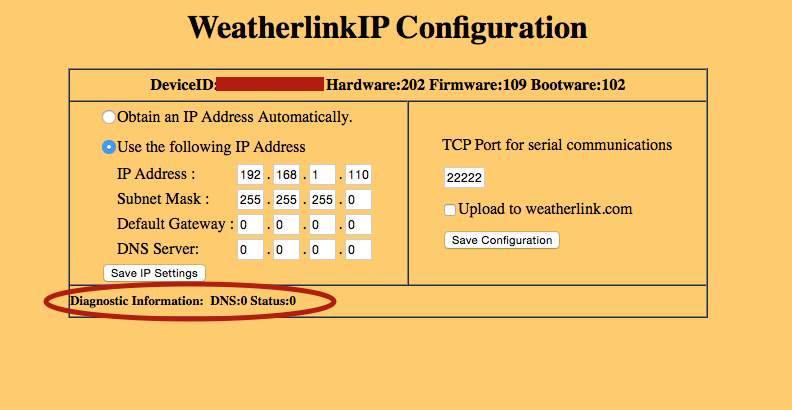
| 22:31, 17 January 2016 | WLIPSettings.png (file) |  |
70 KB | Elagache (talk | contribs) | WeatherLinkIP settings screen | 1 |
| 17:14, 25 November 2015 | Wh1090.jpg (file) |  |
11 KB | Admin (talk | contribs) | WH1090 | 1 |
| 20:27, 27 April 2015 | Clearing Davis data logger with WeatherLink.png (file) |  |
37 KB | Elagache (talk | contribs) | Dialog box showing which option to check to clear the data logger | 1 |
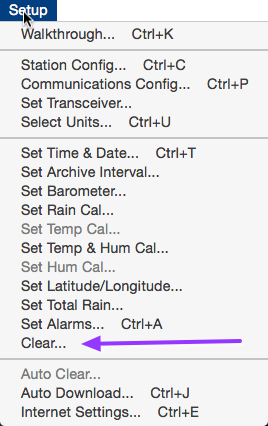
| 20:25, 27 April 2015 | WeatherLink Setup Menu.png (file) |  |
50 KB | Elagache (talk | contribs) | WeatherLink setup menu screenshot | 1 |
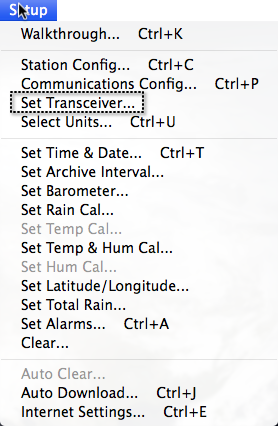
| 20:32, 8 October 2014 | WeatherLink Setup menu.png (file) |  |
101 KB | Elagache (talk | contribs) | Screenshot of Davis WeatherLink for Mac pull-down menu called Setup. | 1 |
| 20:31, 8 October 2014 | WeatherLink configuring station IDs.png (file) |  |
33 KB | Elagache (talk | contribs) | Screenshot of Davis WeatherLink for Mac software showing the dialog box for configuring the station IDs. | 1 |
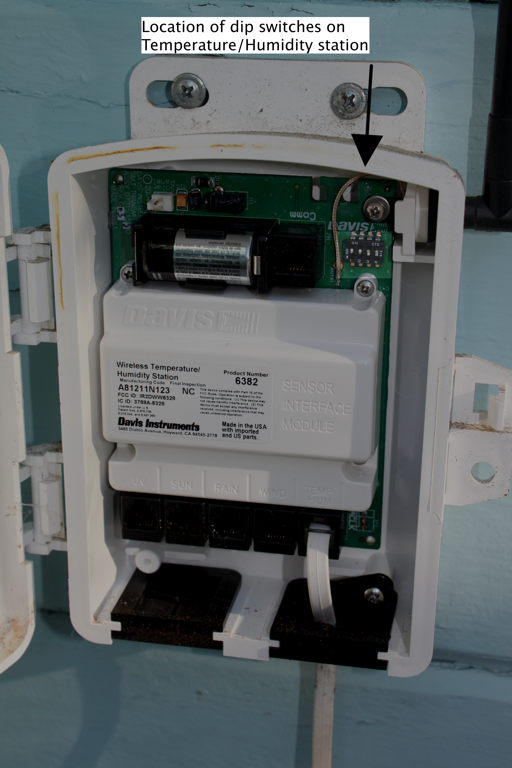
| 20:30, 8 October 2014 | Temperature-Humidity station board.png (file) |  |
649 KB | Elagache (talk | contribs) | Photo of Davis temperature and humidity station circuit board with location of DIP switches illustrated. | 1 |
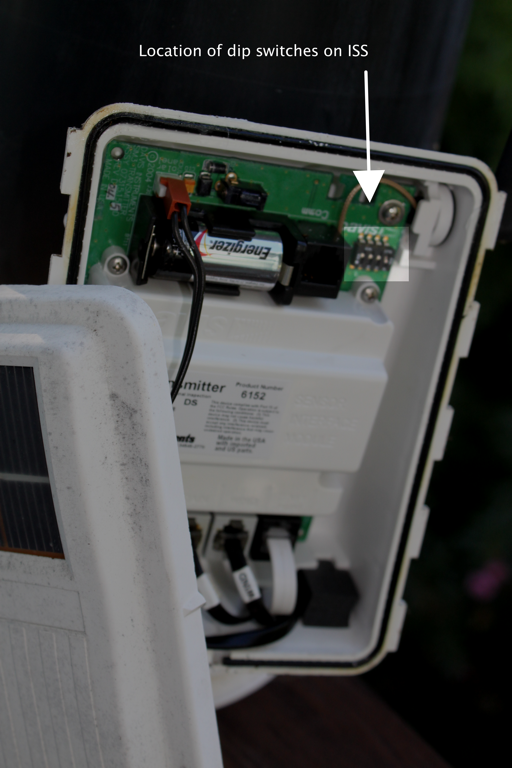
| 20:29, 8 October 2014 | Davis ISS circuit board.png (file) |  |
620 KB | Elagache (talk | contribs) | Photo of Davis ISS circuit board with location of DIP switches illustrated. | 1 |
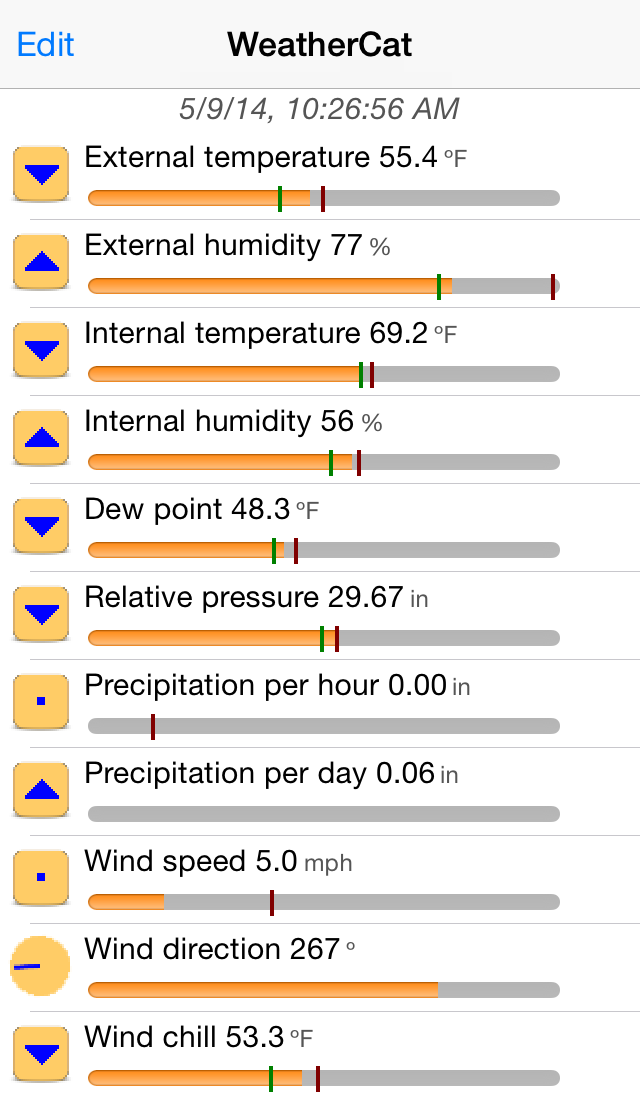
| 18:46, 7 October 2014 | Home 4-in.png (file) |  |
74 KB | The Grand Poohbah (talk | contribs) | WeatherCat for iPhone v1.3 | 1 |
| 18:40, 7 October 2014 | Landscape black.png (file) |  |
341 KB | The Grand Poohbah (talk | contribs) | Screenshot of WeatherCatPad v1.1 | 1 |
| 22:03, 17 July 2014 | Configuring an applications to push to Prowl.png (file) |  |
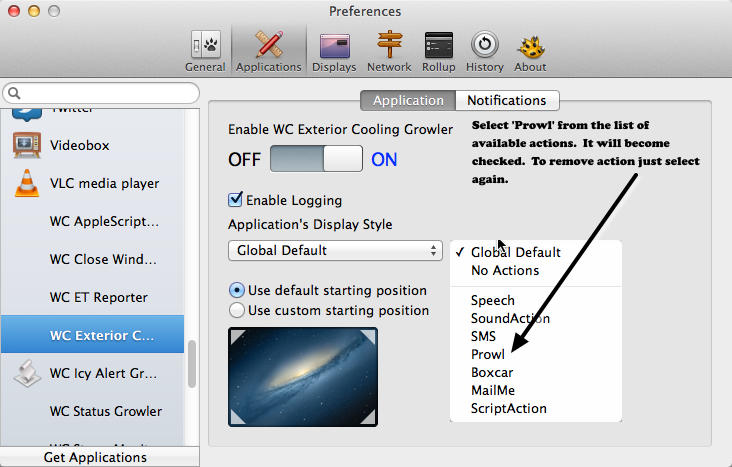
156 KB | Elagache (talk | contribs) | Showing the pop-up menu that must be activated in order to add the Prowl action to a notification. | 1 |
| 21:51, 17 July 2014 | Control push by individual notifications.png (file) |  |
152 KB | Elagache (talk | contribs) | An example of WC Storm Monitor notifications that could be pushed individually to Prowl. | 1 |
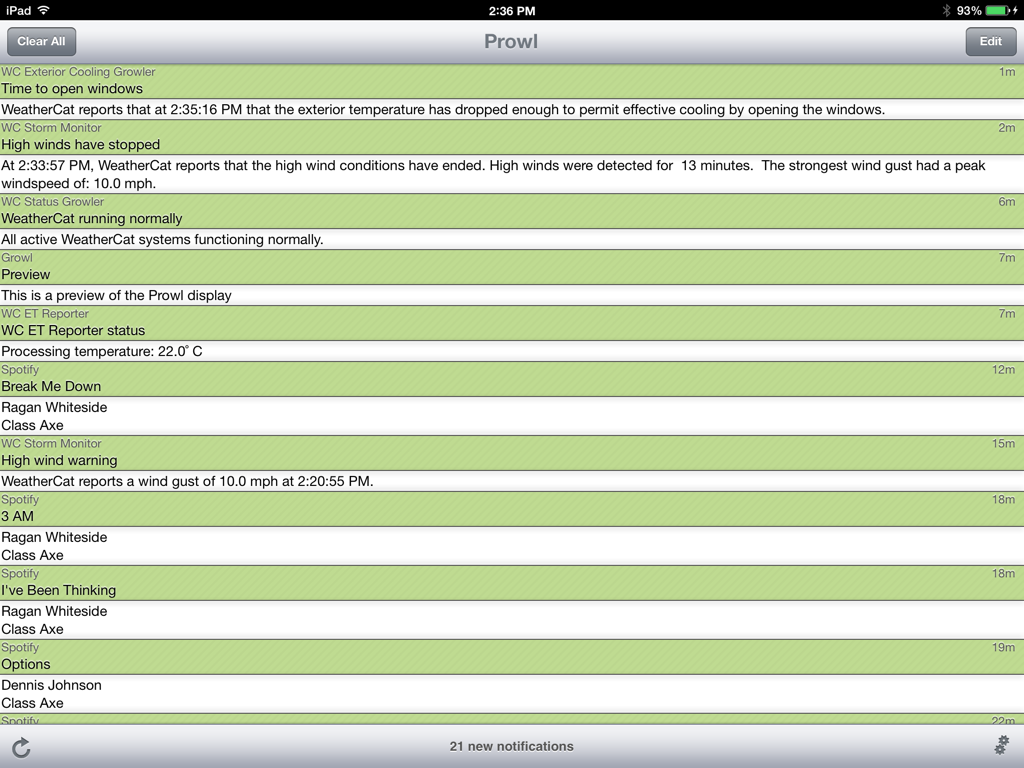
| 21:47, 17 July 2014 | Notifications list on Prowl.png (file) |  |
165 KB | Elagache (talk | contribs) | List of notifications in Prowl | 1 |
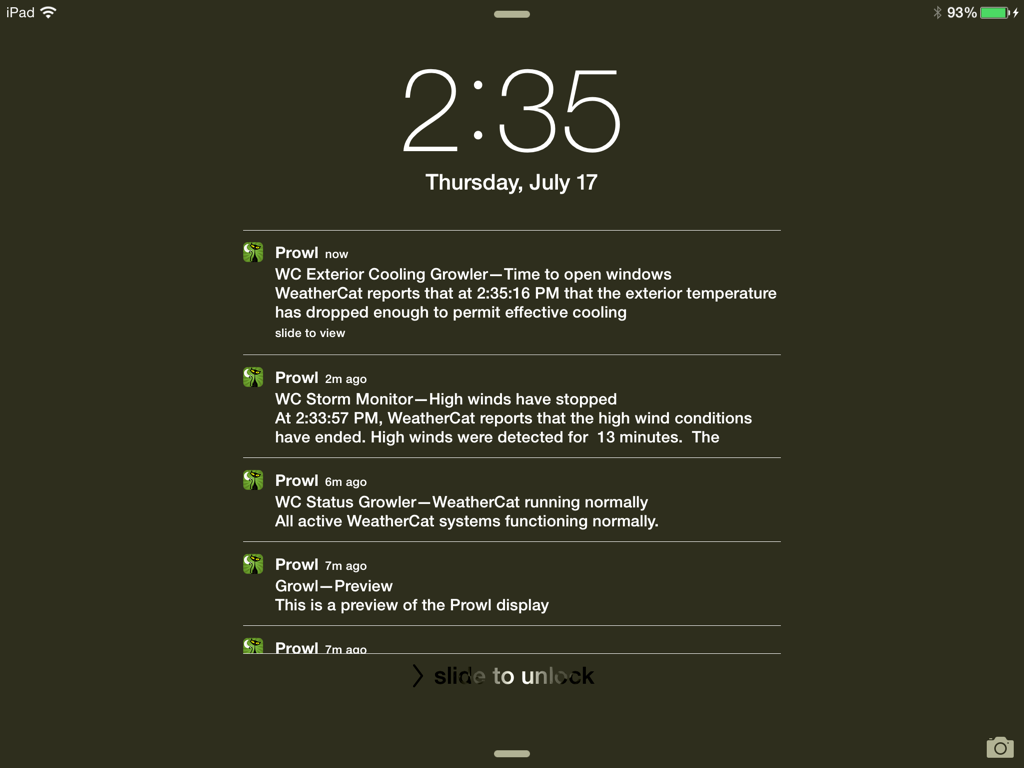
| 21:44, 17 July 2014 | Notifications on iPad.png (file) |  |
123 KB | Elagache (talk | contribs) | List of notifications on iPad | 1 |
| 21:43, 17 July 2014 | Open windows Growl on Mac.png (file) |  |
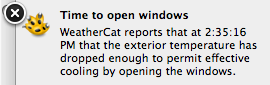
19 KB | Elagache (talk | contribs) | Growl notification on Mac for opening windows. | 1 |
| 21:31, 17 July 2014 | Configuring Growl to push to Prowl.png (file) |  |
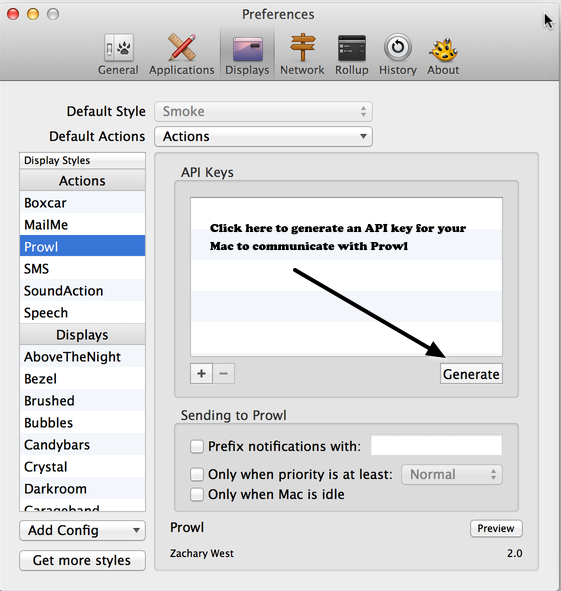
174 KB | Elagache (talk | contribs) | Indicating how to bring up pop-up menu that allows to add Prowl as an action for an application using Growl. | 2 |
| 21:29, 17 July 2014 | Adding Prowl action.png (file) |  |
177 KB | Elagache (talk | contribs) | Adding the action "push to Prowl" to an existing application that uses Growl. | 1 |
| 20:50, 17 July 2014 | Prowl login screen.png (file) |  |
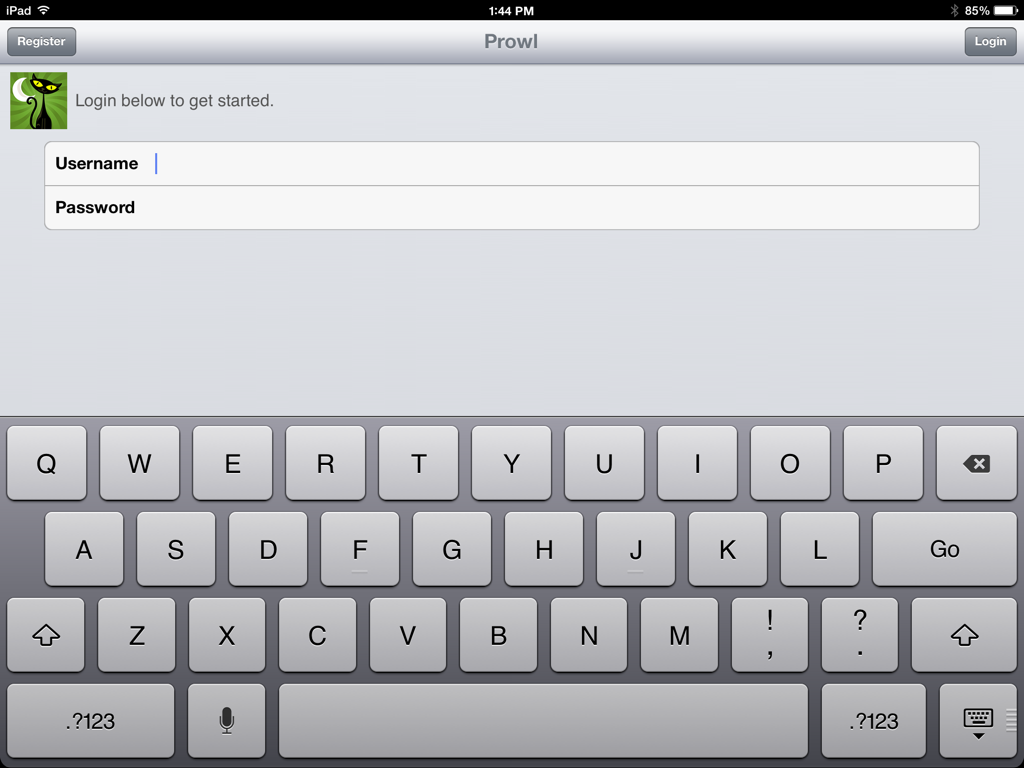
128 KB | Elagache (talk | contribs) | Prowl login screen | 1 |
| 21:19, 11 July 2014 | WeatherCatPad - Background photos.png (file) |  |
343 KB | Elagache (talk | contribs) | Selecting a photo from the available albums on your iPad for the background of WeatherCat iPad | 1 |
| 21:17, 11 July 2014 | WeatherCatPad - Background colors.png (file) |  |
257 KB | Elagache (talk | contribs) | Setting background colors on WeatherCat iPad | 1 |